For youth coaches
Better sessions
for every
age group.
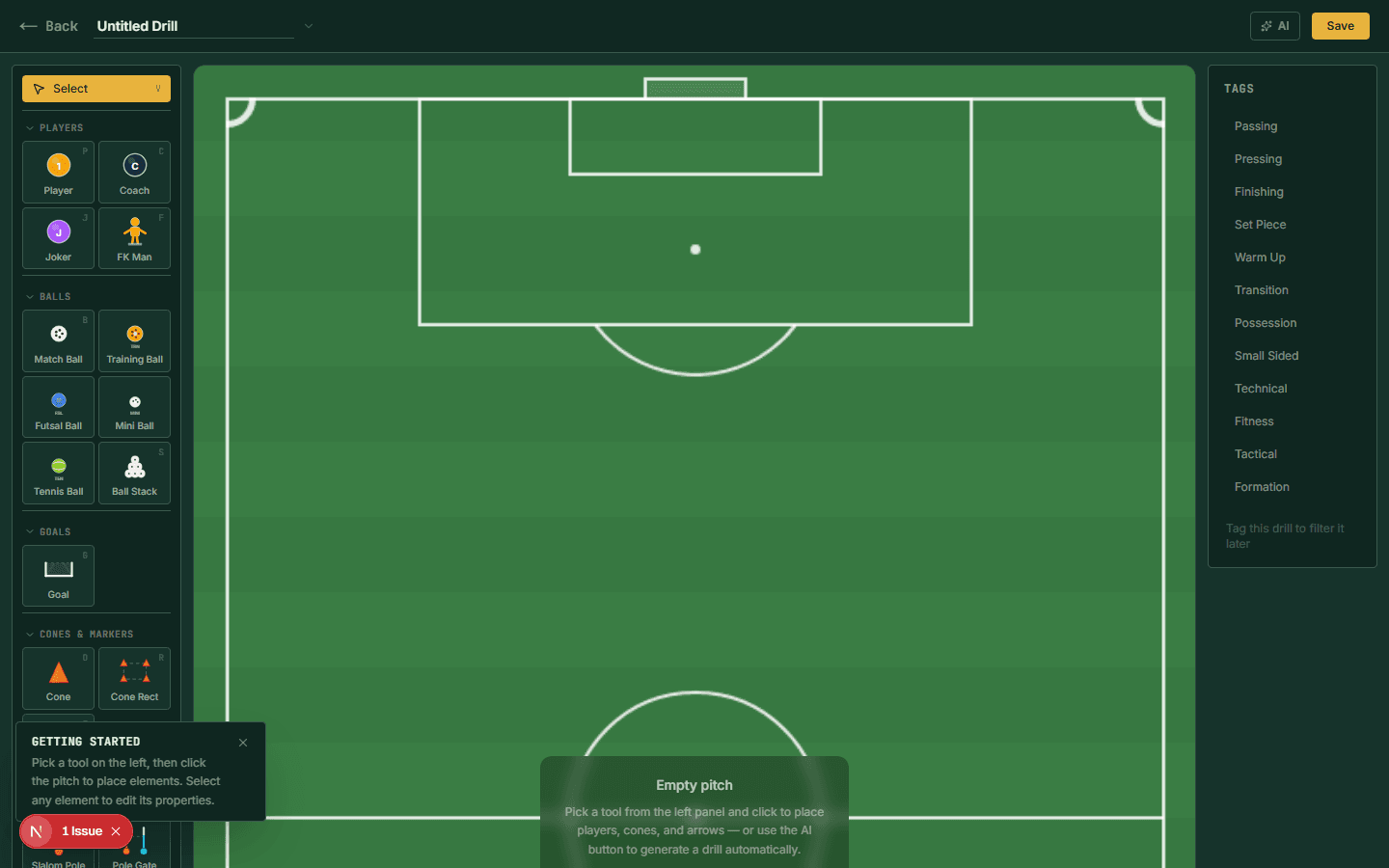
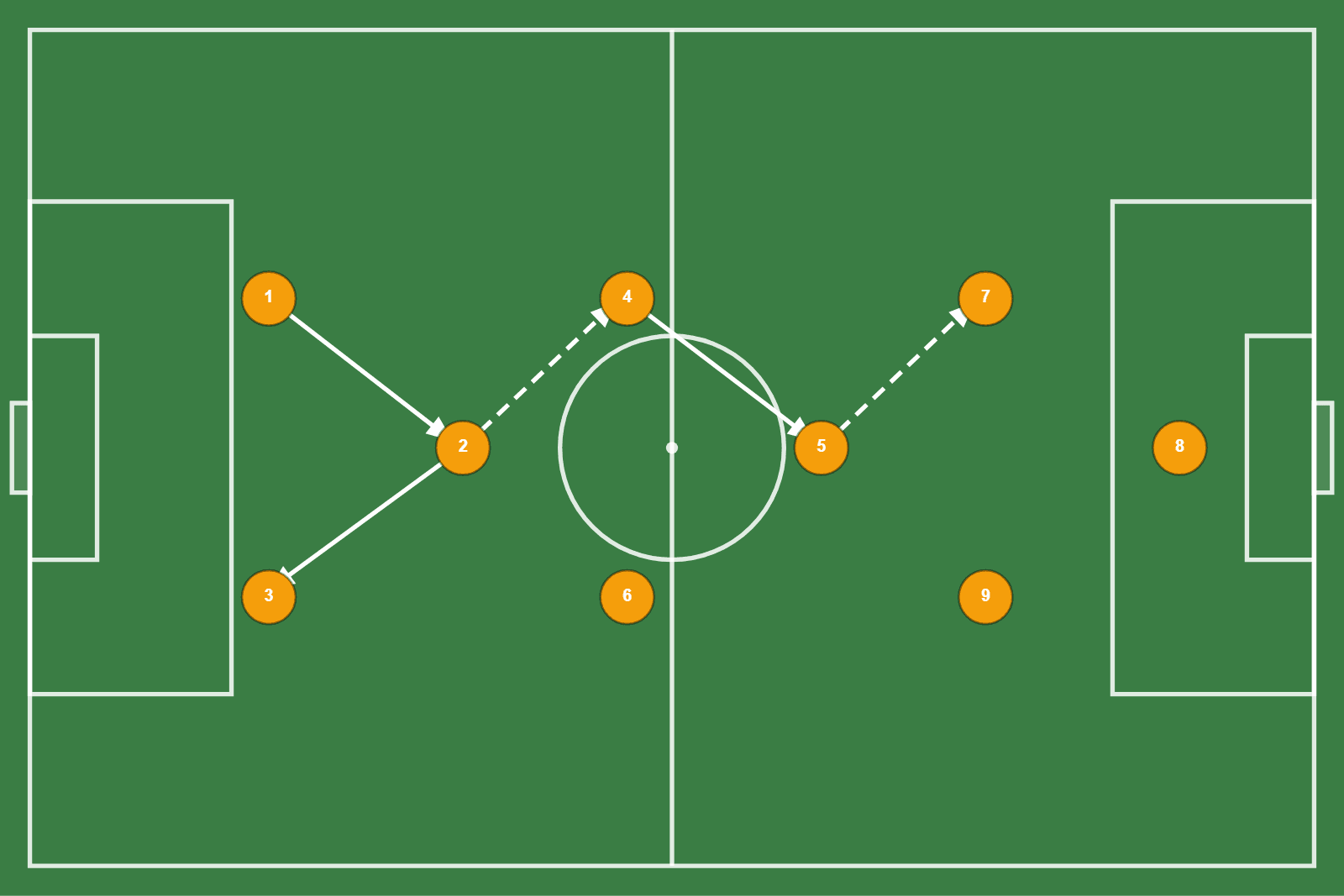
Build age-appropriate drills on an interactive pitch canvas. Plan your training week, share diagrams with parents, and use AI to solve the blank-canvas problem.
By age group
What to train at each stage
The right drill for a U10 group is the wrong drill for a U15 group. Here is what works at each stage of development.
Ball mastery and enjoyment
- Gates dribbling
- Small-sided 2v1 and 3v2
- Passing pairs with movement
- Fun competition formats
Keep explanations short. Demonstrate, then play. Correct in the moment, not before.
Decision-making under pressure
- 4v2 rondos
- Conditioned 5v5 games
- Positional passing patterns
- Pressing introductions
Add conditions to games that force the session theme. Players learn by experiencing, not listening.
Tactical awareness
- Pressing trigger drills
- Third-man combination play
- Transition exercises
- Build-up play patterns
Introduce formations and positional roles explicitly. Players this age can hold complexity.
System and match preparation
- Full system drills (8v8, 9v9)
- Set piece design and rehearsal
- Live transition games
- Match-linked tactical sessions
Match preparation begins here. Every session should connect to what you saw in last weekends match.
AI drill generator
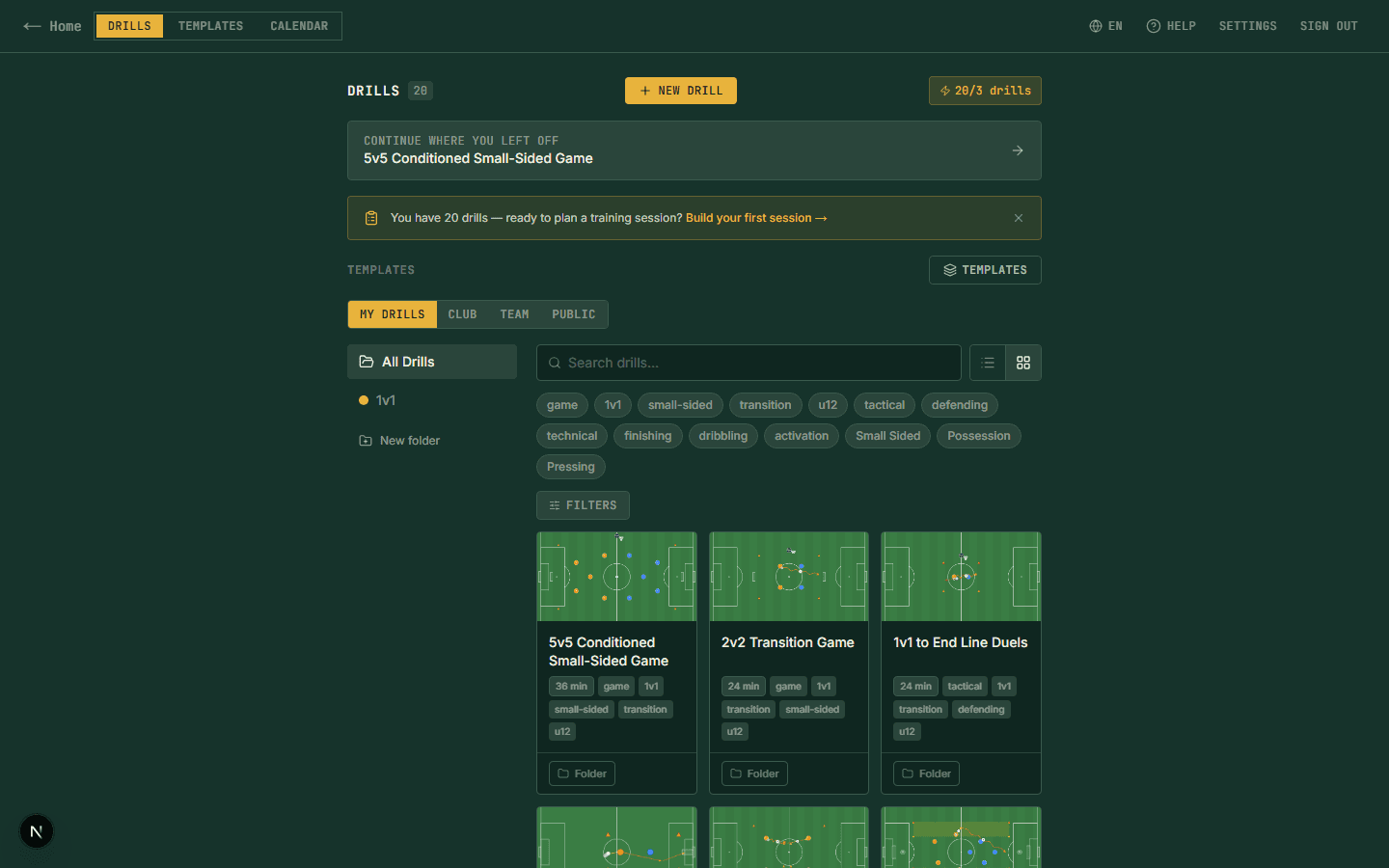
Describe what you want to train. Get a drill.
Type a theme, for example U12 pressing drill, 15 players, half pitch, and the AI generates a structured drill with player positions and movement arrows on the pitch canvas.
Coaches who run four age groups use it most. One theme per age group, four drills in under ten minutes.
Session planner
Build the week on Sunday. Run it on Tuesday.
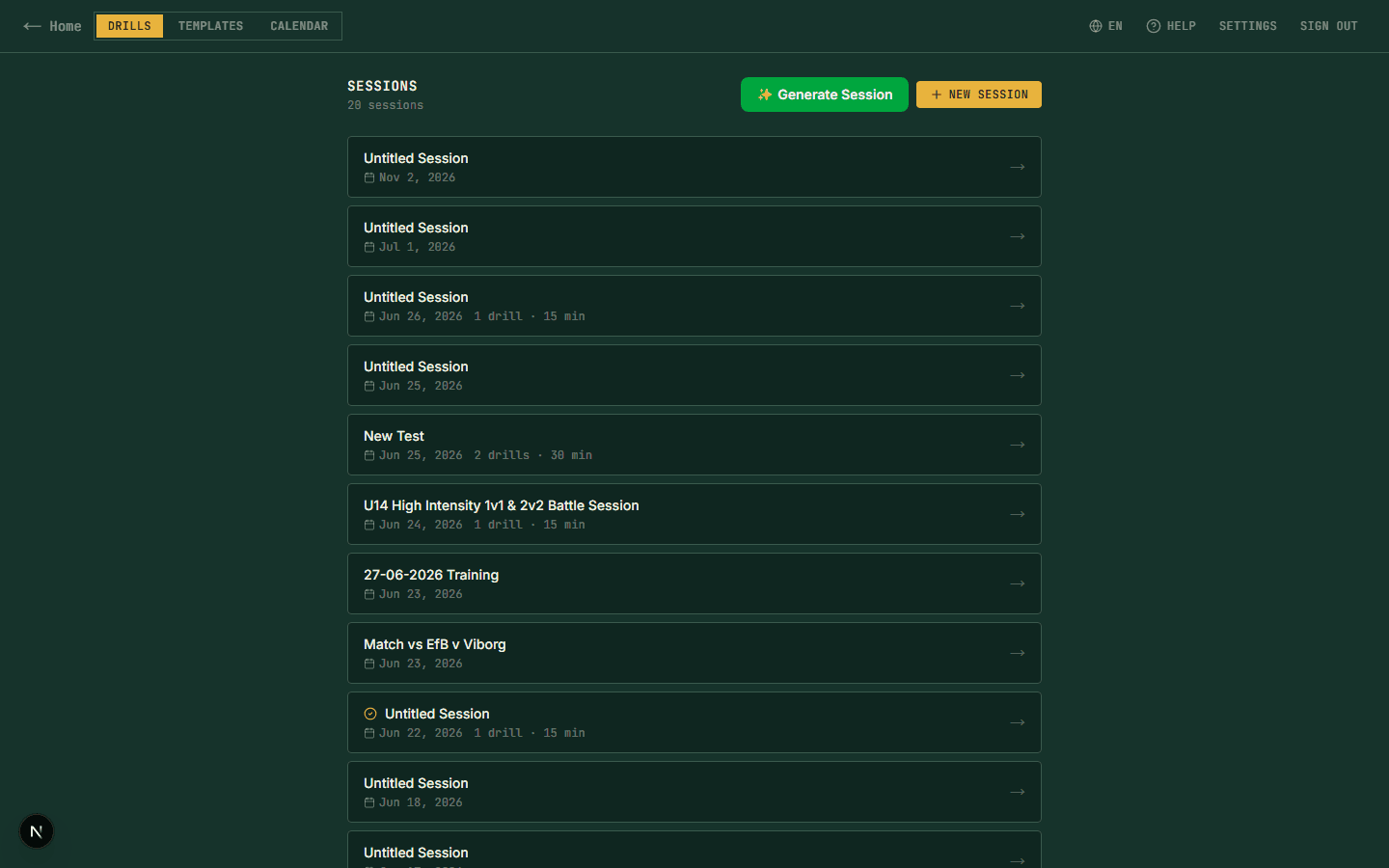
Link drills into a session plan with durations and coaching notes. Share with assistants before training so everyone arrives knowing their role.
Print a clean session sheet for the touchline. Everything on paper, no phone needed on the pitch.
From coaches
Youth coaches who use Clubroom.io
“My kids are 9 and 10 years old. I use the pitch canvas to show parents what we are working on at training. They actually engage with it now, they can see the movements.”
Tom Eriksen
U10 Coach, Nordal FC
“I coach four age groups. The AI generator is the thing I use most, I describe what I want to train and it gives me a structure to work from. I always edit it, but it solves the blank canvas problem.”
Marco Diaz
Youth Development Coach
“I used to sketch sessions by hand the night before training. Now I build the whole week in Clubroom.io on Sunday, with drills, timing, coaching notes, and share it with my assistant before Monday. Saves me an hour every week.”
James Whitfield
Head Coach, U16 Academy
Free resources