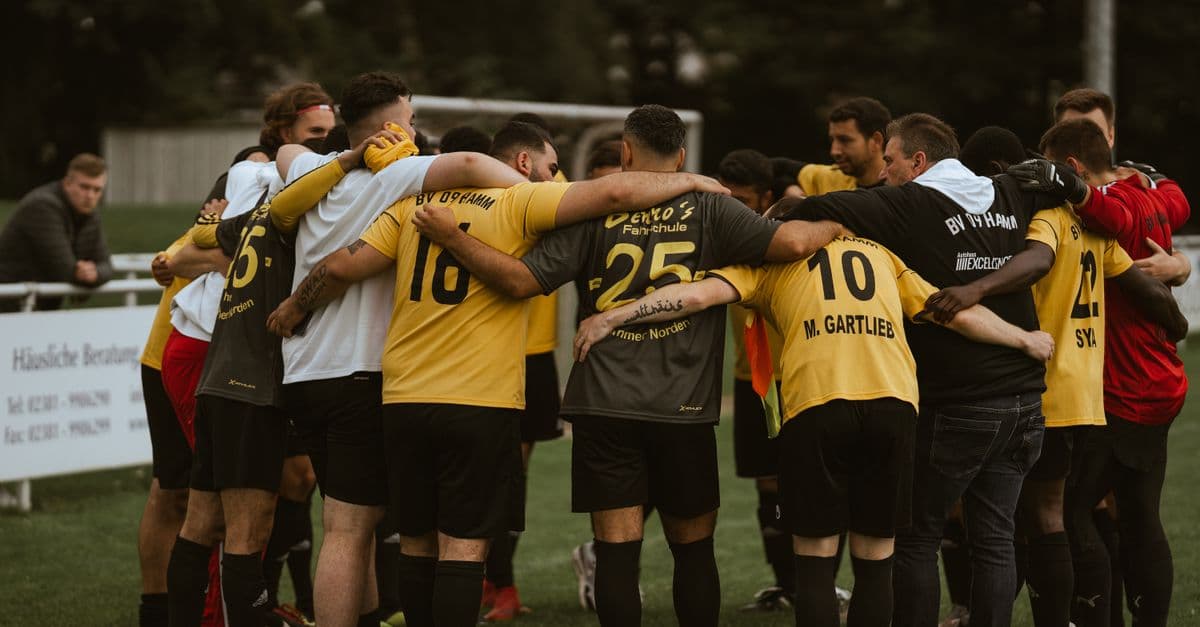
Most coaching staff communicate through a combination of group chats, emailed attachments, and physical folders of printed session plans. This works until someone needs a drill that was run six months ago, or the head coach wants the assistant to run Tuesday's session and the plan only exists on a piece of paper in the head coach's bag.
Sharing coaching content well requires a system, not a workaround.
What Coaching Staff Actually Need to Share
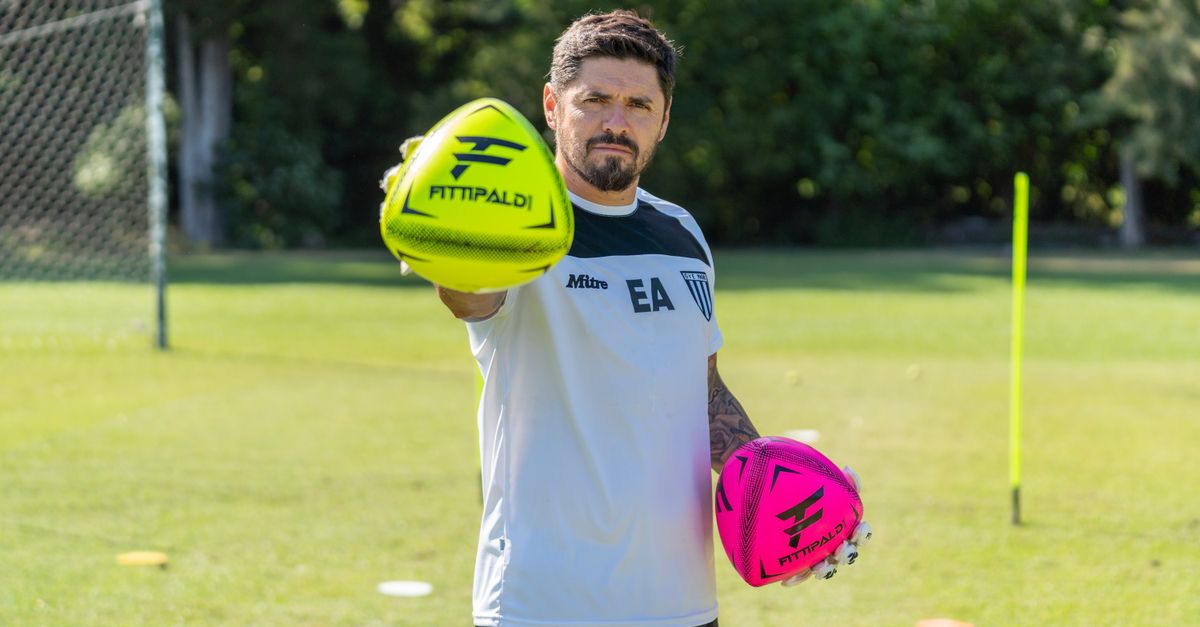 Shared diagrams let assistant coaches prep the pitch before the head coach arrives.
Drill diagrams. A visual representation of the exercise: starting positions, movement arrows, zones. This needs to be readable on a phone and printable on paper.
Session plans. The sequence of drills for a given training session, with durations, coaching notes, and objectives.
Templates. Drills you use repeatedly (rondos, finishing exercises, set piece routines) that form the base of multiple sessions. These should be stored once and reused, not rebuilt from scratch.
History. Which drills worked? Which age groups have run this session? Context that informs future planning.
What Does Not Work
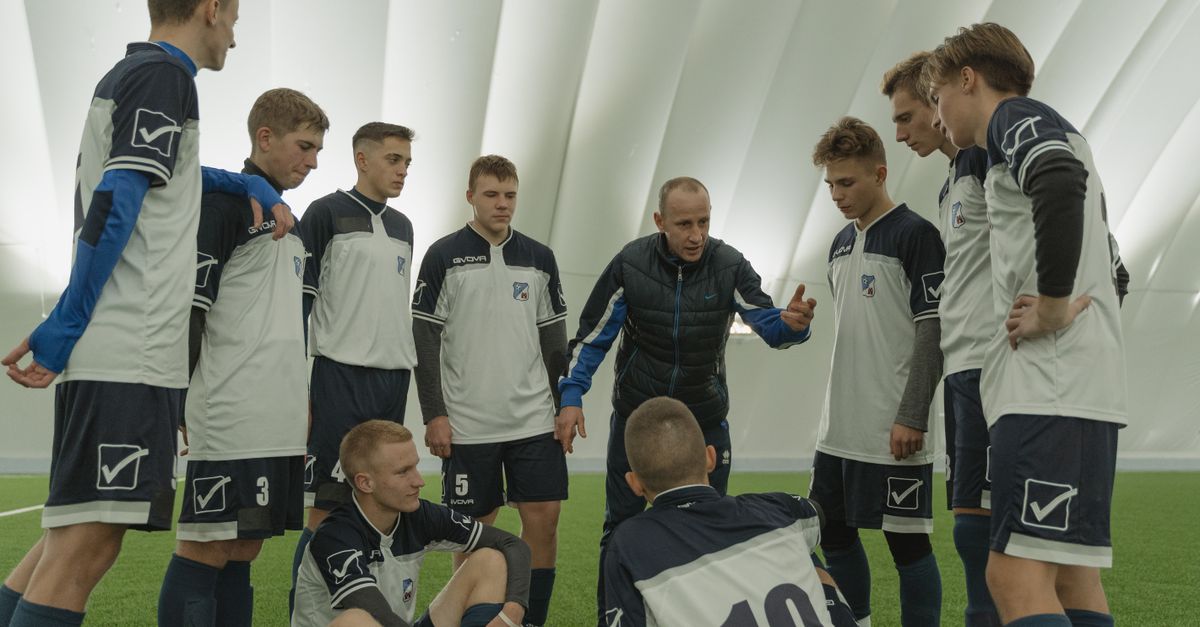 When players see the drill shape before training, setup transitions take seconds.
Photo of a whiteboard. Low contrast, difficult to read, impossible to annotate or edit.
PDF sent via email. Cannot be edited in place. Creates versioning problems. Ends up buried in an inbox.
Shared folder of images. No structure, no search, no context. Coaches spend more time finding the drill than using it.
Memory. The head coach remembers everything. The assistant who joined last month does not.
What Works
A shared digital drill library where every coach can see every drill, add their own, and link them into session plans.
The characteristics of a system that works:
- Cloud-based. Accessible from any phone, anywhere.
- Visual. Coaches can see the drill, not just a title.
- Linked to sessions. Drills that exist in isolation do not tell you how they were used. Sessions create context.
- Controllable access. Share some drills with players, keep others internal.
Sharing Drills With Players Directly
Sharing a drill with players before training is one of the highest-leverage things a coach can do. Players arrive having seen the shape, the starting positions, and the movement sequence. Setup is faster. Questions are fewer.
A link to a visual drill, animated, step-by-step, is something any player can open on their phone. No account required.
On Clubroom, every drill you build can be shared with a public link. The drill opens in a clean view with the pitch canvas and step-by-step animation. Players can revisit it at home, in the car, before training.
Building a Club Drill Library
The most valuable thing a club can do for its coaching consistency is maintain a shared drill library. When every team uses the same terminology and the same core drills (adapted for age), players who move up through the age groups arrive already knowing the language.